Mobile App

The EUS mobile app provides service technicians with quick and convenient access to all tasks, customers and documents. Work efficiently anywhere and stay up-to-date in real time.

Map with Addresses Map with Addresses Chat with your teamChat with your team NotesNotes Reservation CalendarReservation Calendar ReportsReports Stock AvailabilityStock Availability
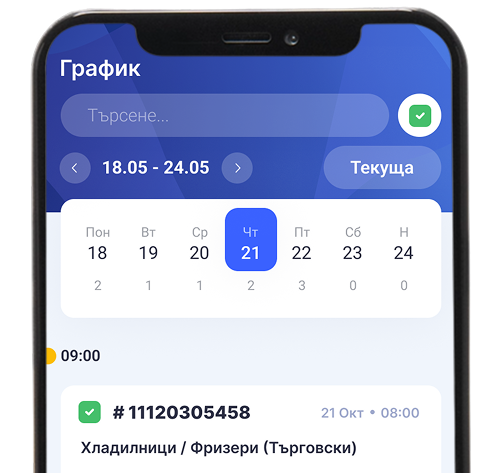
EUS schedule screen

How the EUS
mobile app works

The mobile app is designed specifically for the needs of service teams. Technicians receive the necessary information for each task, can add notes, photos and reports, as well as update the status of the visit directly from their phone.

The operator sends the request data

After registering the request, the operator assigns a task to a technician and sends all the necessary details.

Operator sending reservation
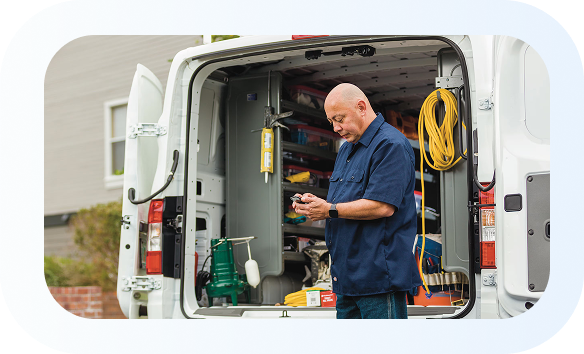
Technician at the service van

Visit to the customer's address

The technician receives the address, information about the problem and can use navigation to the site.

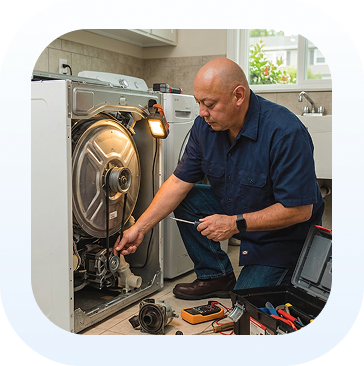
Carrying out the repair

After completing the activity, the parts used, notes, and information about the work performed are added.

Technician repairing appliance

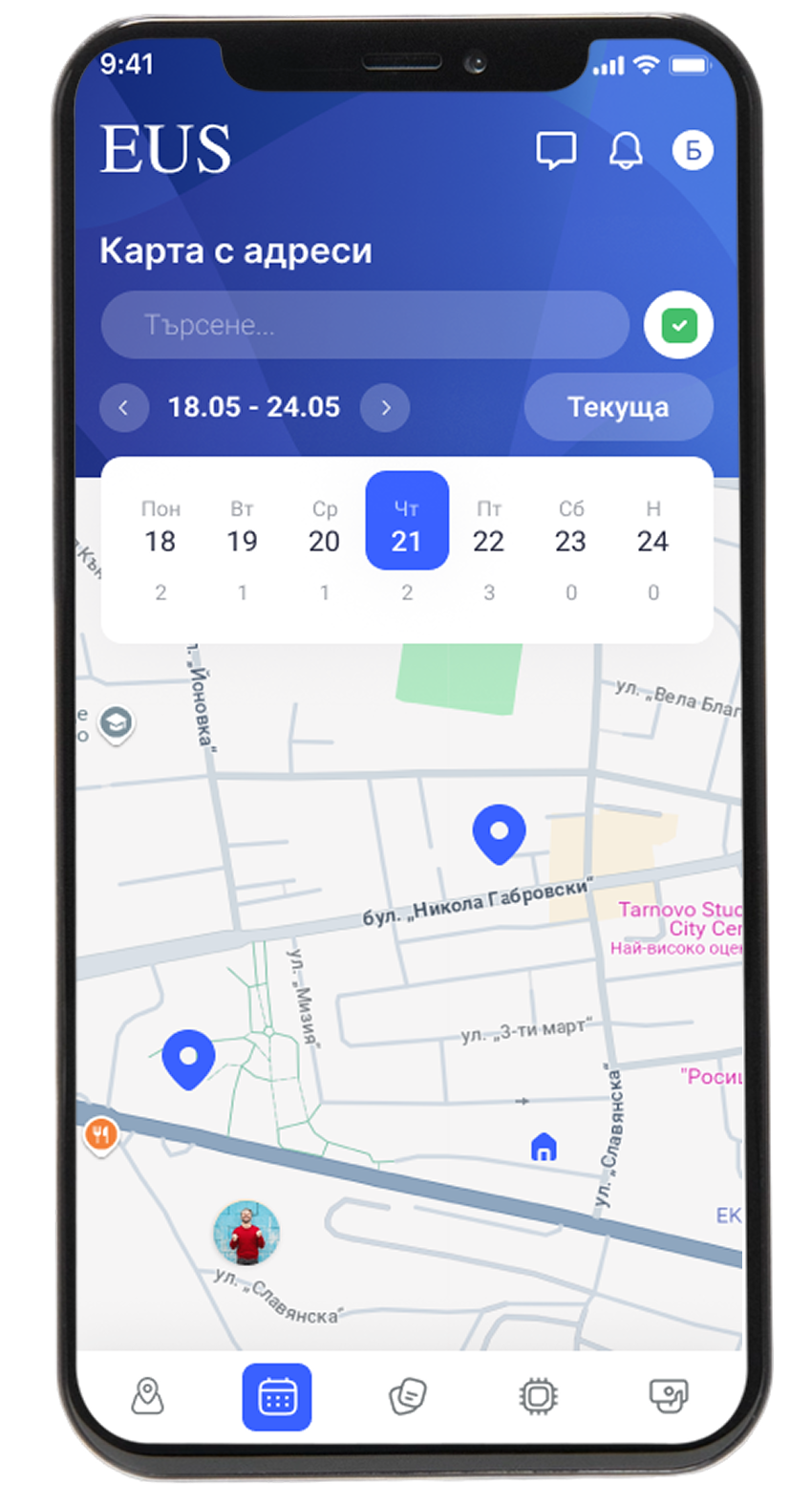
Address card

View the customer's address, site information, and use navigation to get there faster. Have all the necessary data right on your phone.

Schedule

View upcoming visits and organize your workday in the most convenient way. Follow schedule changes in real time, no matter where you are.

EUS Address card screen

Notes

Add comments, photos, and important information related to the specific task. Maintain a complete history of activities and observations.

Parts

Add used spare parts to a specific reservation directly from the mobile app. The information is sent to the system immediately.

Additional functionalities

The application offers a number of tools that facilitate the daily work of technicians and provide better customer service.

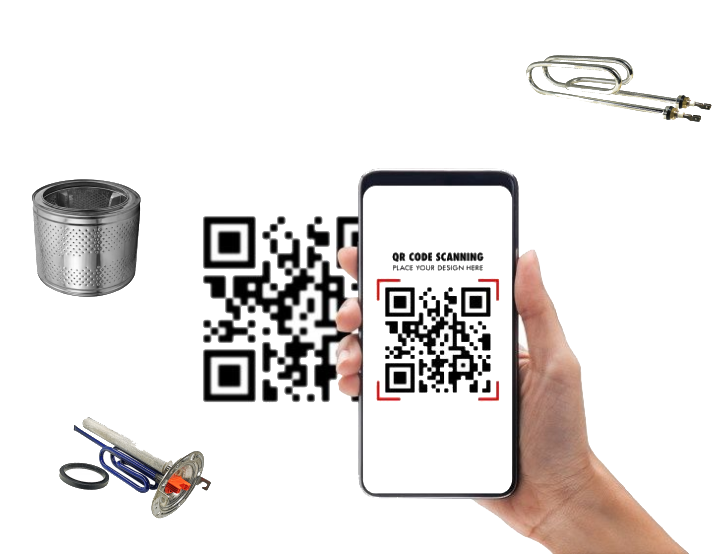
Scanning parts and using them for a reservation

Scan barcodes and track spare parts used on each request.

QR code scanning of parts

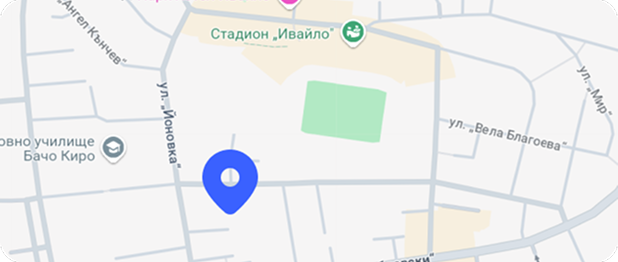
Navigation to the relevant address from the customer's reservation

Get directions to the customer with just one click and save time on visits.

Navigation map

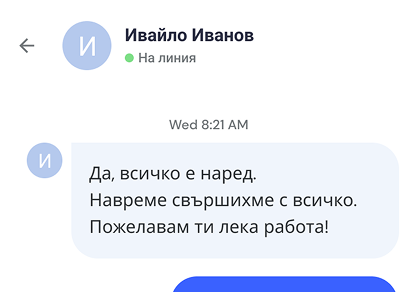
Receiving text messages from colleagues

Maintain fast communication between office staff and service teams.

Team chat

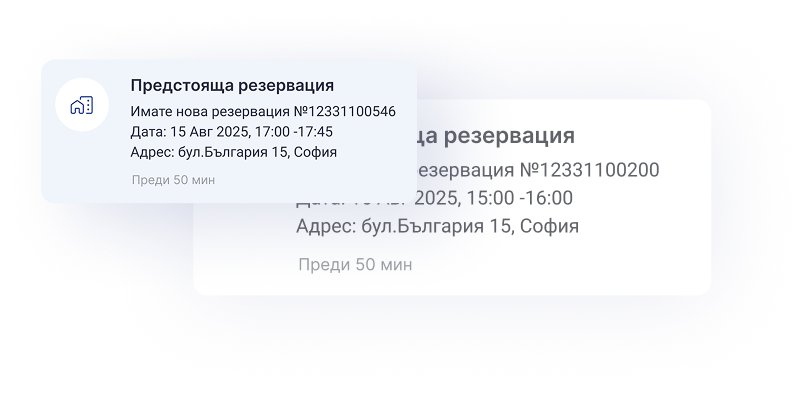
Real-time notifications

Receive notifications about new tasks, schedule changes, and request updates.

Real-time notifications

Add photos to the reservation

Attach images, documents, and files directly to each service request.

Attach imagesAccepted formats: XML, QIF, OFX

Download the app today

Provide your service teams with access to the information they need at all times. With the EUS mobile application, field work becomes faster, more organized and more efficient.